Plus backtests and optimizations in the Strategy Analyzer.
Coming next
Placing entry orders, on your say-so
Sizing orders
Watching the market and alerting you
Leaves alone: live strategies, connections and Playback, and NinjaTrader’s database.
Today it manages the orders you place. “Get flat” closes the position.
We never see your data
Charts, accounts, trades, questions: the bridge sends none of it to High Tech.
Local connections from your PC only
No conversation history kept
Reports, pictures and scripts stay in your folders
Your AI provider is separate. A cloud AI receives your questions and the data it reads, under its own privacy terms.
You choose the access
Read
Switch the bridge on.
Modify
Allow changes on a chart.
More
Tick only the switches you want: charts, workspaces, orders, Chart Trader, scripts.
Ask this. Get that.
Charts
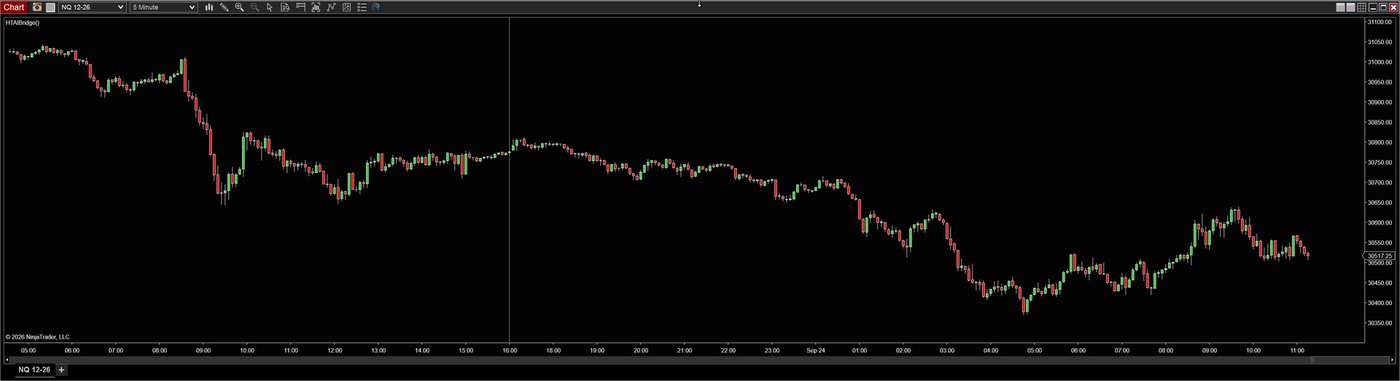
“Open an NQ 5-minute chart, 30 days, across the top half of my screen.”
You get: the chart, opened and placed where you said.
Indicators
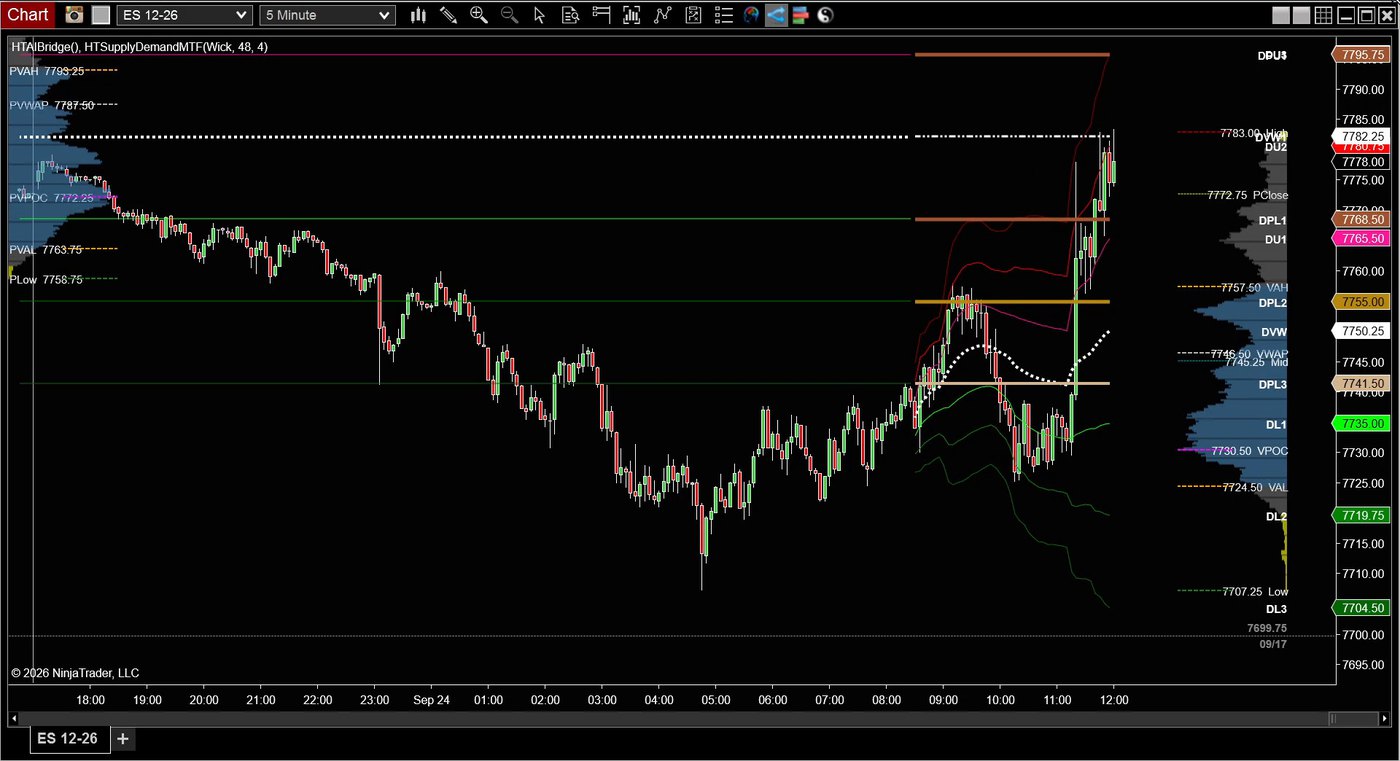
“Put a daily VWAP and a volume profile on regular hours, and Supply Demand, on the ES chart.”
You get: three indicators on the chart, set the way you asked.
Drawing
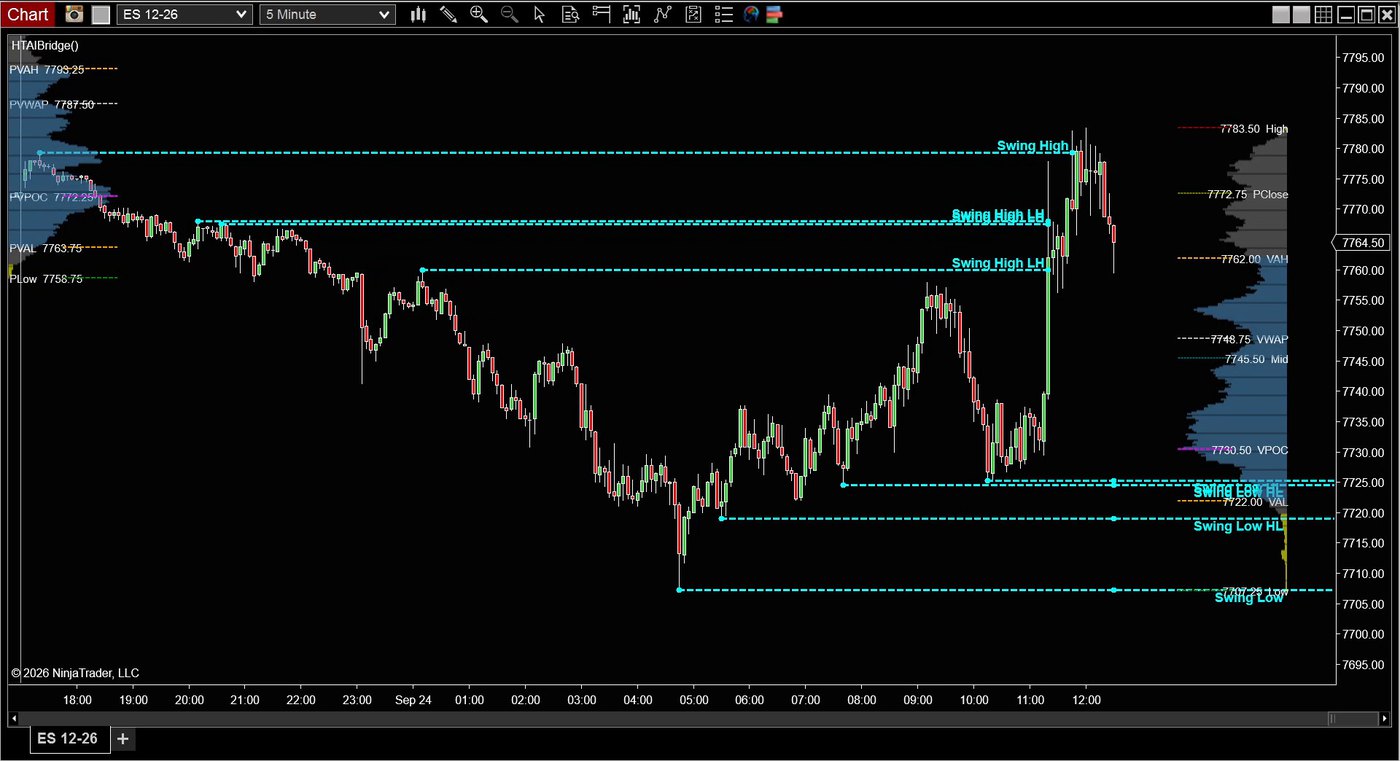
“Mark the swing highs and lows on this chart.”
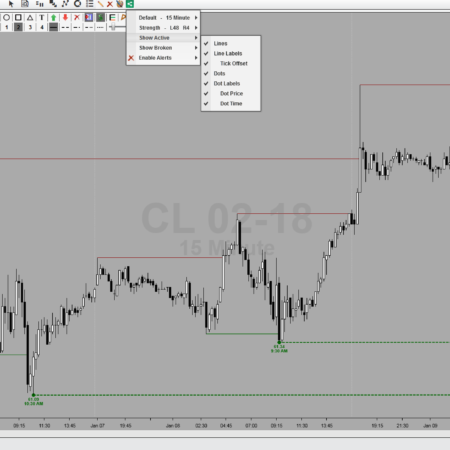
You get: the swings found and drawn with HT lines.
Orders
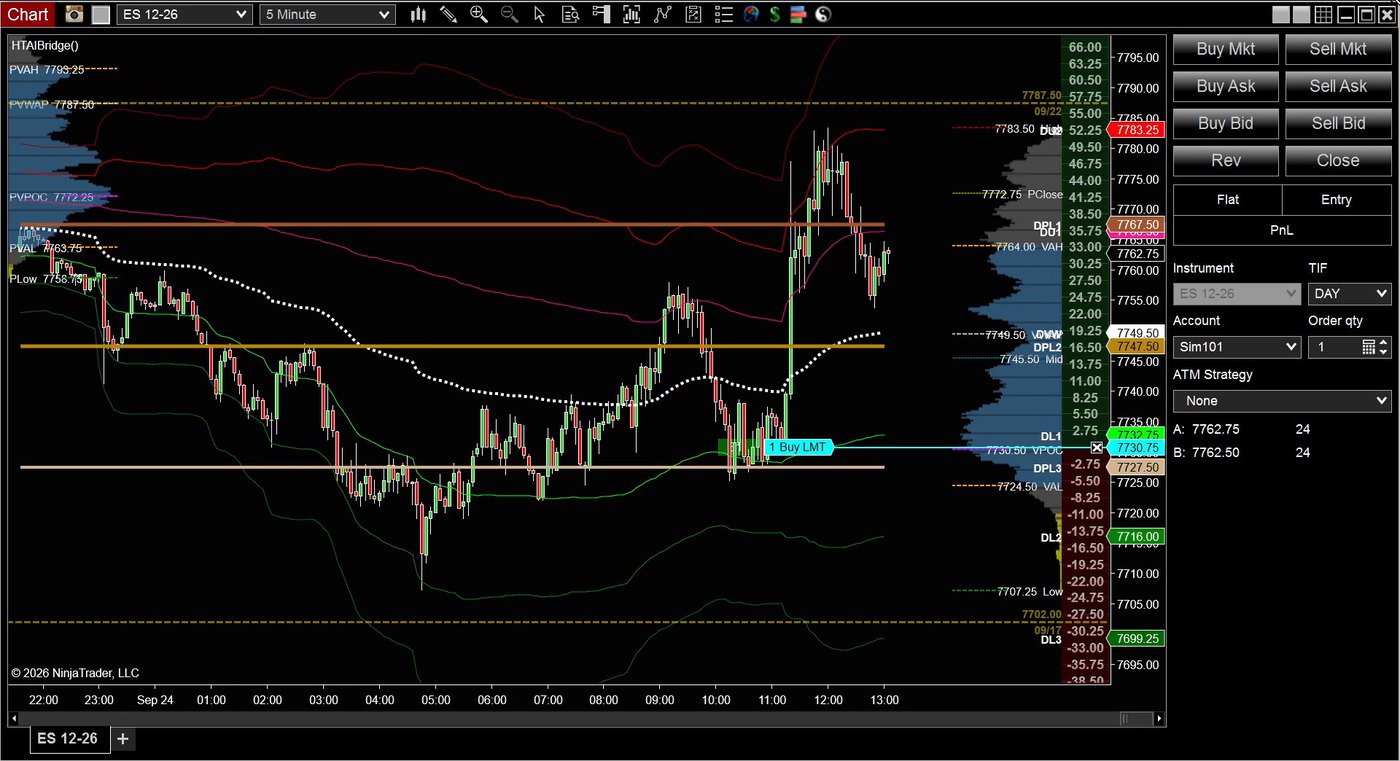
“Attach my buy limit to the lower VWAP band.”
You get: your own order moved to the band, and it follows the band.
Scripts
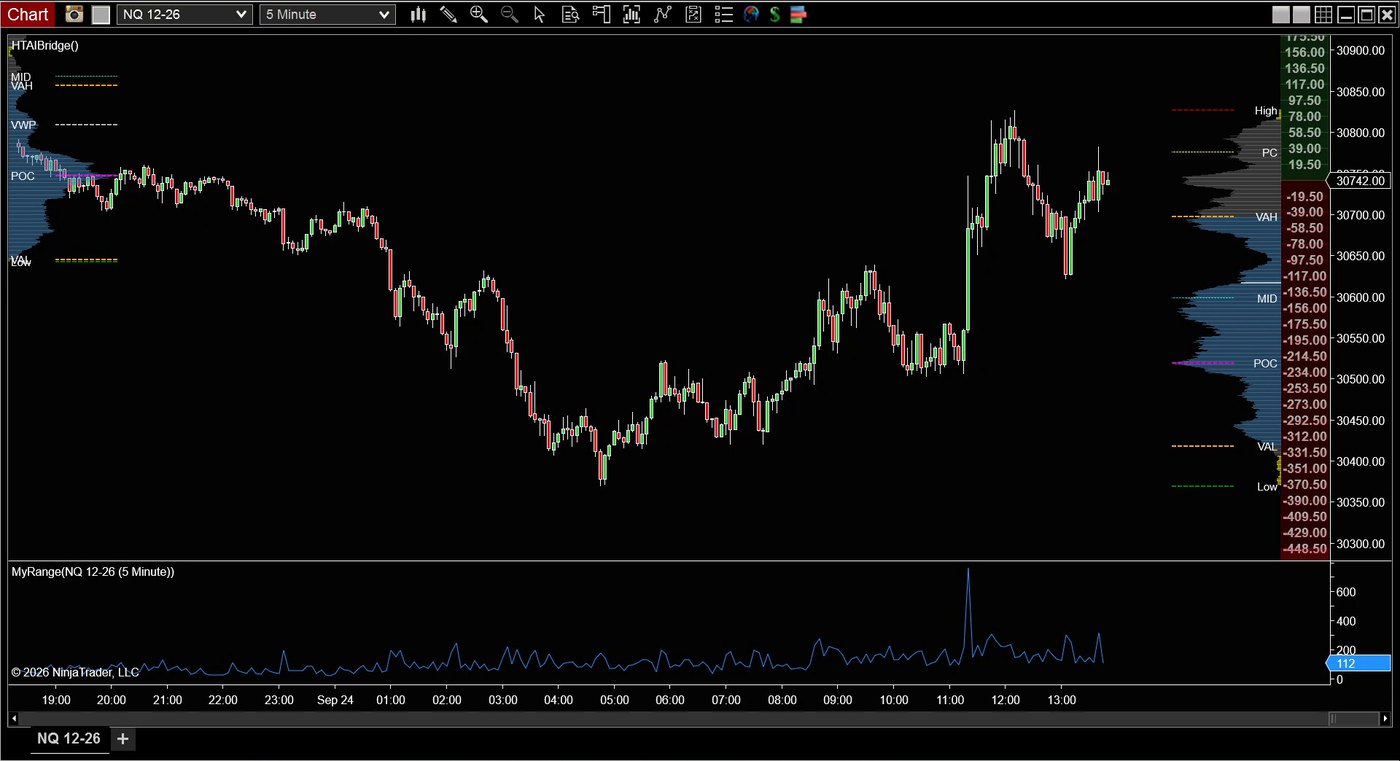
“Write me an indicator that plots each bar’s range in ticks, in its own panel, and put it on this chart.”
You get: the indicator written, compiled and on your chart.
Backtests
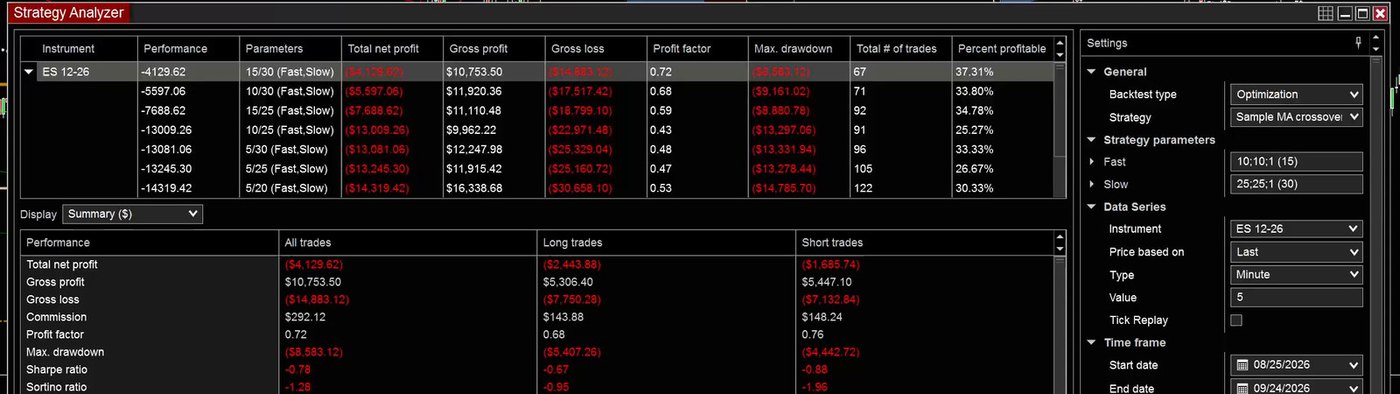
“Now optimize the fast average from 5 to 15.”
You get: the Strategy Analyzer run for you, best result on top.
Analysis
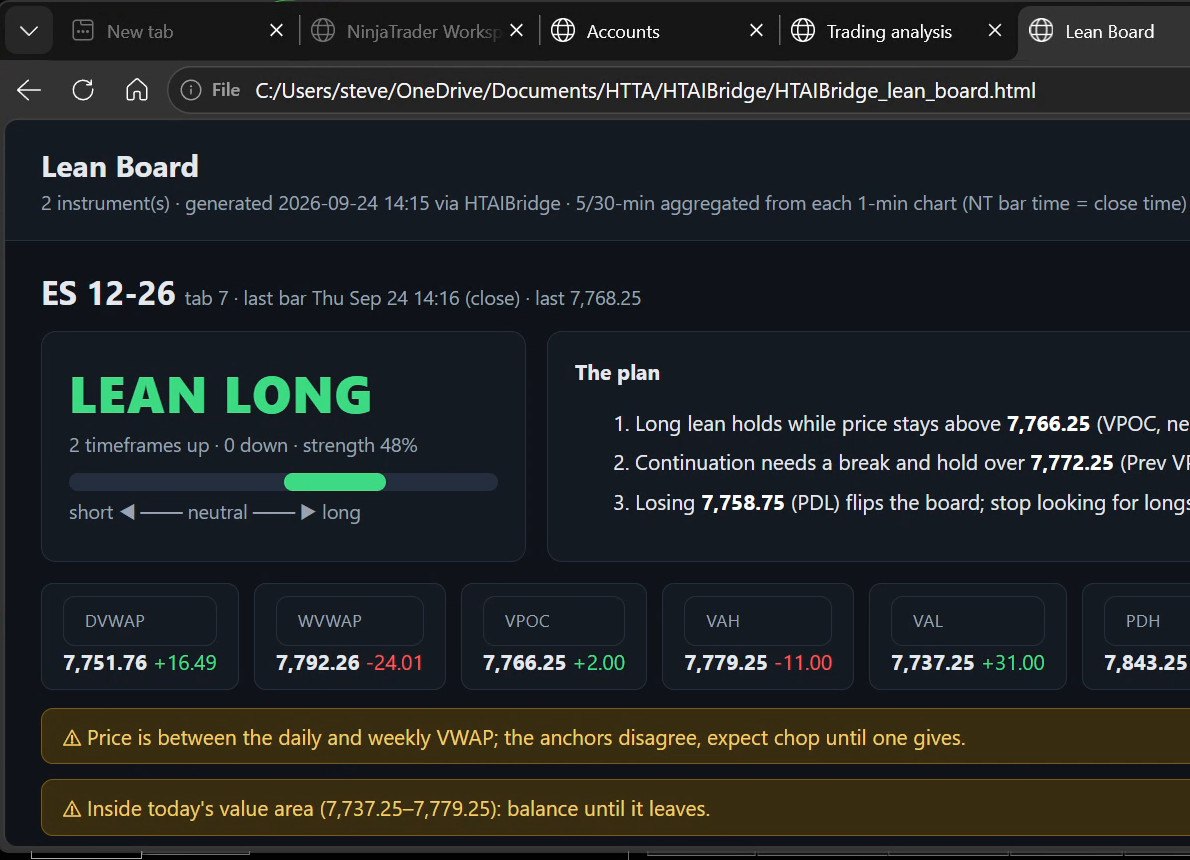
“Which way is NQ leaning right now?”
You get: a one-page read built from your own VWAPs, profile and bars, with the prices that matter.
Which AI do I need?
Any AI assistant that can run a command on your PC, such as Claude Code, OpenAI Codex, Gemini CLI or Cursor. The AI subscription is yours and is not included.
Can it place trades for me?
Not yet. Today it manages the orders you place: attach, move, cancel, and “get flat” closes the position. Placing and sizing orders, on your say-so, is coming next.
Does my trading data go to High Tech?
No. The bridge accepts local connections from your own PC only and sends nothing to High Tech. Your AI provider receives what you ask it and what it reads, under its own terms.
Do I need to know how to code?
No. You ask in plain words. When you want a new indicator or strategy, the AI writes it, compiles it and puts it on your chart.
Does it work with my HTech indicators?
Yes. It reads and sets every indicator on your charts, and it ships with a reference for each HTech indicator so your AI knows what every setting does.
Is it sold separately?
No. AI Bridge is included with All Access and requires an active All Access membership.
Requirements: Windows, NinjaTrader 8.1.2.1 or later, an active All Access membership, and an AI assistant with local command access.
My Account Downloads
After purchase or access, your available HTech downloads are located in your My Account page. Log in with the same account used for the purchase, then open the Downloads tab in My Account.
Installer Passwords
Most individual HTech products are delivered as password-protected self-installing files. The required installer password is included in your order email. If your order includes multiple products, that email may include multiple product passwords.
Please keep your order email in a safe place for future updates, reinstalls, or computer changes.
Machine ID Registration
All HTech NinjaTrader products require Machine ID registration before they can be used, including free products. Log in to My Account and use the NT8 Registration menu item to register your NinjaTrader Machine ID before starting NinjaTrader with the product installed.
Email Registration
The first time you run an HTech NinjaTrader product, you may be asked to enter your email address. Use the same email address registered on your HTech website account. This is normally a one-time step and should not be required again for regular product updates.
Installation Steps
Close NinjaTrader before installing or updating HTech products. Download your product installer, run the downloaded file, follow the installation prompts, and enter the installer password from your order email when prompted.
After installation, start NinjaTrader. If a Trusted Source message appears, accept it. After accepting the Trusted Source message, restart NinjaTrader once more.
Updates and Reinstalls
Do not uninstall previous versions before updating. HTech installers are designed to install over the existing version. After installing the update, open NinjaTrader and the product will be updated.
Individual product purchases include one year of free updates from the date of purchase. During the active update period, available updates can be downloaded from your My Account page.
All Access
All Access uses a separate installer and access model. Eligible HTech NinjaTrader tools are available while the All Access membership is active. If you already own individual HTech products, those separate purchases remain available under their own license terms. When All Access expires, All Access-only products expire and downloads/access end unless a new membership is purchased.
TradeStation
TradeStation products are discontinued and are no longer available for new purchases. Existing customers may continue using downloads they already purchased or licensed when available, but future updates are not planned and support may be limited.
Help
If you have trouble finding your download, locating your installer password, registering your Machine ID, or installing a product, please contact HTech support.
Individual Products
Individual HTech product purchases include a non-expiring license for the purchased product and one year of free updates from the date of purchase. After the update period ends, the product does not expire. You may continue using the version you already own, but future updates are not included unless a new update period, upgrade, or replacement license is purchased.
All Access
All Access is an annual access membership for eligible HTech NinjaTrader tools. It does not auto-renew and does not automatically bill again. When an All Access membership expires, All Access-only products expire unless you choose to purchase a new membership. Any individual products you purchased separately remain available under their own license terms.
Registration
HTech products require registration before they can be used, including free products. Registration may require your NinjaTrader Machine ID or other licensing information depending on the product. Please review the instructions provided after purchase or access for download, installation, and registration details.
License Use
Licenses are for the original purchaser only and may not be shared, transferred, resold, distributed, or used by multiple customers.
Refunds
HTech products are digital software products. Once a product has been purchased, downloaded, licensed, or accessed, the sale is final and non-refundable.
Support
Support is available through the HTech Discord support channel, Microsoft Teams when available, and direct support contact when needed. HTech makes a reasonable effort to respond within one business day, but support may be limited for third-party platform issues, computer setup, brokerage connections, discontinued products, or platform changes outside HTech’s control.
TradeStation
TradeStation products are discontinued and are no longer available for new purchases. Existing customers may continue using what they already purchased or licensed, but future updates are not planned and support may be limited.
Have an idea that would make this tool better? Post it here, every idea is welcome!
Vote for the ideas you would like built: click the ▲ box (click again to remove your vote).
Visit the Customer Feature Requests page to see and vote on requests for every product.



Reviews (login required to post)
Trading with this tool? Share your experience, every review helps fellow traders!
Visit the Customer Reviews page to read reviews for every product.
There are no reviews yet.