HTech's “All Access”
Purpose-built tools for everyday convenience, workflow, charting, and advanced market analytics, built and refined over 15 years to make working in NinjaTrader 8 easier, faster, and more useful.
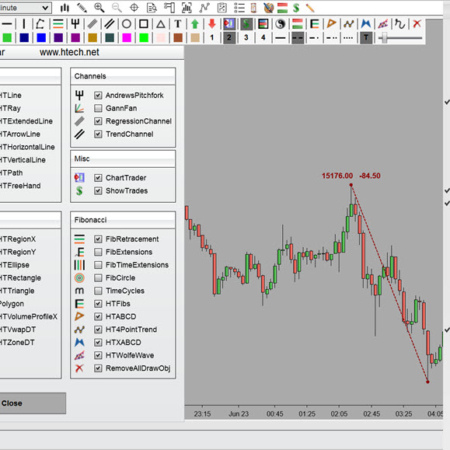
 DrawBar Ultimate · 39 tools
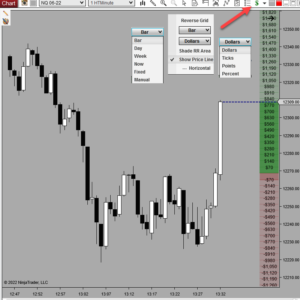 Chart Risk Reward · live R:R
One membership. All of this.
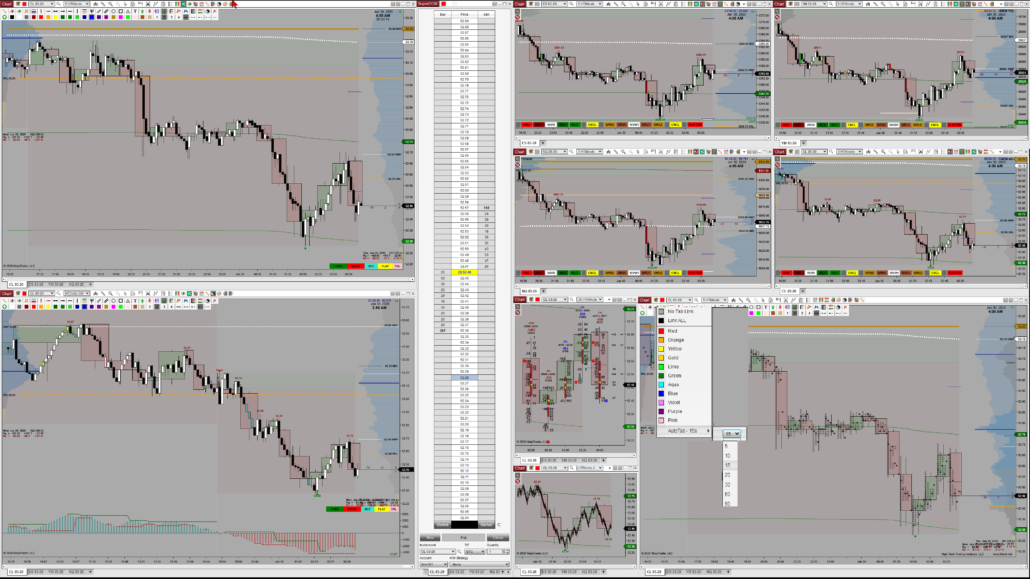
Every tool below is included with All Access, along with extras that never made it onto the website. Click any tool to see what it does in depth.
 Auto Login
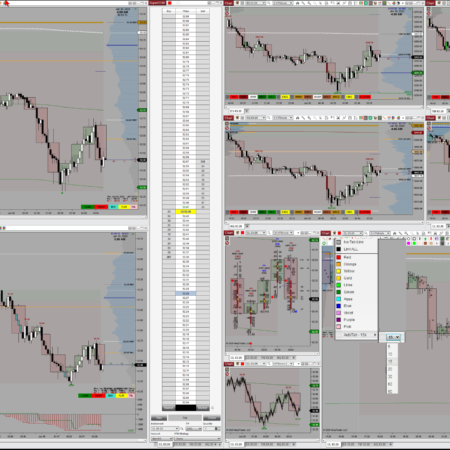
 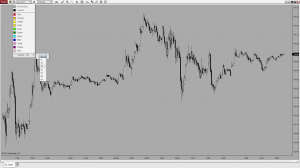 Auto Tab Chart Risk Reward
 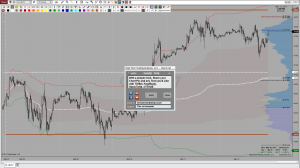 Chart Share
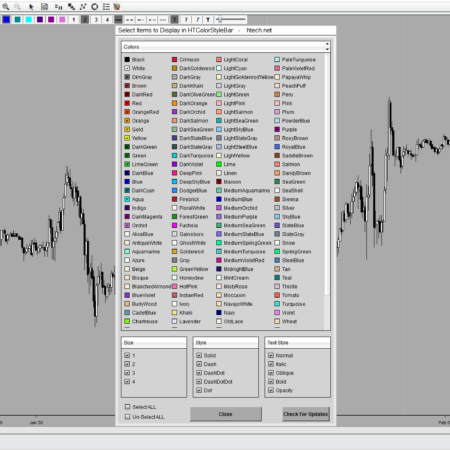
 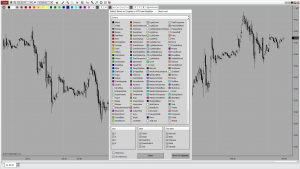 Color Style ToolBar
 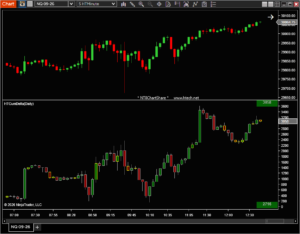 Cumulative Delta Plus
 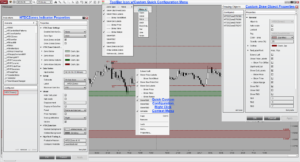 Double Click Zones DrawBar Ultimate
 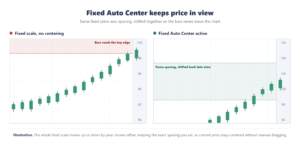 Fixed Auto Center
 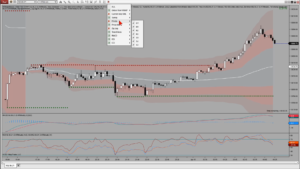 Magic Menu Market Pulse
 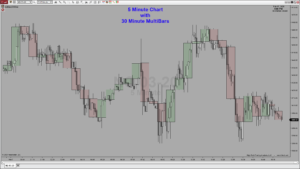 Multi Bars Plus
 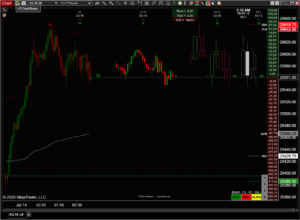 Multi Candles
 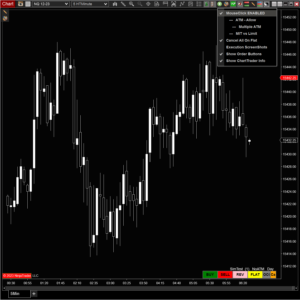 One Click Trader
 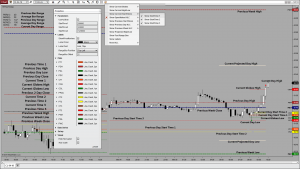 Price Times Plus
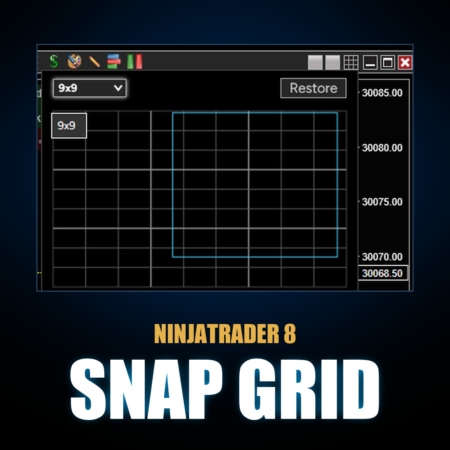
 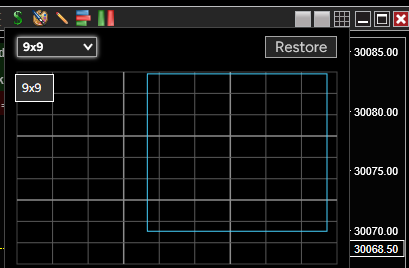 Snap Grid
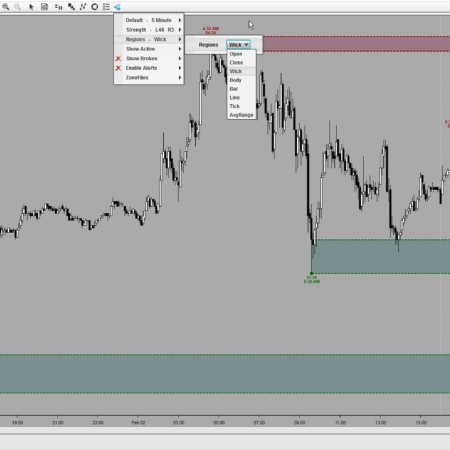
 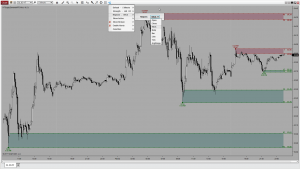 Supply & Demand (MTF)
 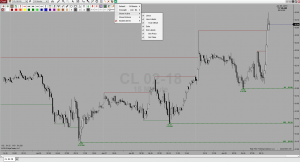 Swings (MTF)
  Trends (MTF)
  Volume Profile Composite
  Volume Profile Dynamic
  Volume Profile OrderFlow
  Volume Profile Sessions
  VWAP Plus
 Real screenshots, real tools. All Access includes the full 25+ tool set plus drawing tools, bar types, chart styles, and extras not listed as individual website products.
★ New in All Access
Any AI becomes your NinjaTrader 8 assistant.
Ask in plain words. AI Bridge lets your AI open charts, arrange workspaces, set indicators, draw levels, set up Chart Trader, manage the orders you place, write scripts, run backtests and build reports from your trades.
- Claude Code
- OpenAI Codex
- Gemini CLI
- Grok
- Cursor
- and more
Not 25 random tools. Better ways to work.
The point isn't to put more things on your chart, it's to make your everyday NinjaTrader workflow more convenient, easier to manage, more efficient, and an overall better experience every day. Here's everything, grouped by what it does.
Convenience & Workflow
The quiet utilities that remove NinjaTrader friction: faster startup, cleaner layouts, linked charts and DOMs, quicker configurations, and fewer little interruptions while you work.
- Launch and log in to NinjaTrader automatically
- Snap every window into a clean grid from the title bar
- Link matching tabs across windows and share full charts in a click
- Keep chart controls close and fixed-scale charts centered
Drawing & Chart Markup
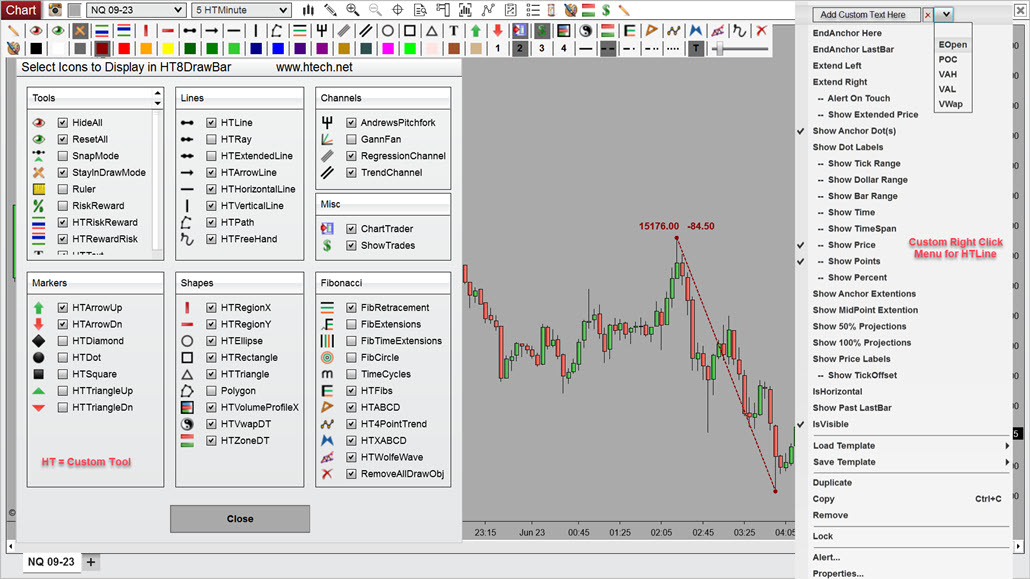
A full chart-markup platform inside NinjaTrader for faster drawing, styling, labeling, and chart work, with custom options and quick configurations that skip the property dialogs.
- 39 custom drawing tools on one toolbar
- Restyle drawings without opening a dialog
- Zones on a double-click, cleared just as fast
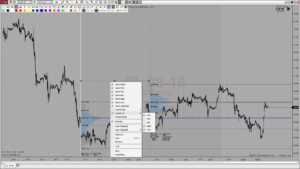
- Volume profiles you draw anywhere on the chart
Key Levels
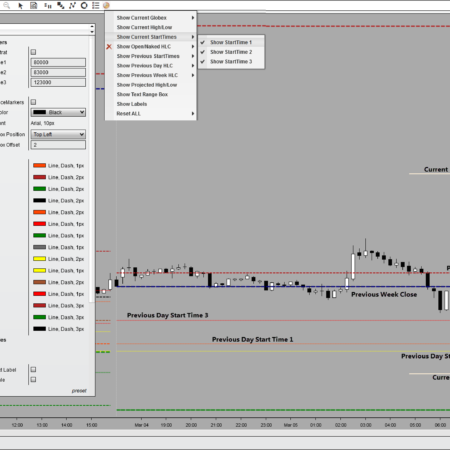
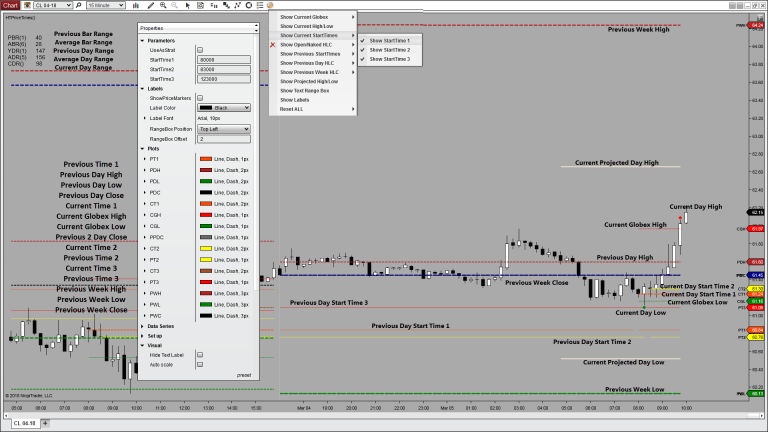
The prices that matter, already drawn on your chart. Two dozen open, high, low, close and range levels: daily, Globex, weekly and projected, plus VWAP levels that stay consistent on every chart.
- 24 current, previous & projected OHLC-range levels in one indicator
- Daily, Globex, weekly, custom start-time & projected values
- VWAP with consistent levels across every chart
 Naked levels
Multi-Timeframe Overlays
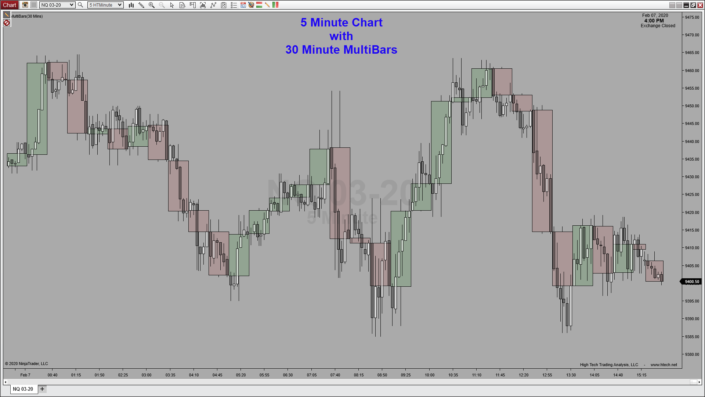
Multi-timeframe overlay and higher-timeframe candles on a single chart: the 30-minute picture living right behind your 5-minute bars, with delta, ATR and a countdown to the close.
- Overlay multiple bar series on one chart
- Synthetic higher-timeframe candles with delta & ATR
- Countdown timer to the higher-timeframe close
 Daily overlay
Market Structure
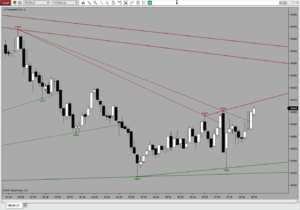
Swings, trends and supply & demand, multi-timeframe. The structure of the market drawn for you, so the chart reads like a map instead of noise.
- Supply and demand zones across timeframes
- Swings and trend structure, labeled as they form
- Higher-timeframe context on the chart you trade
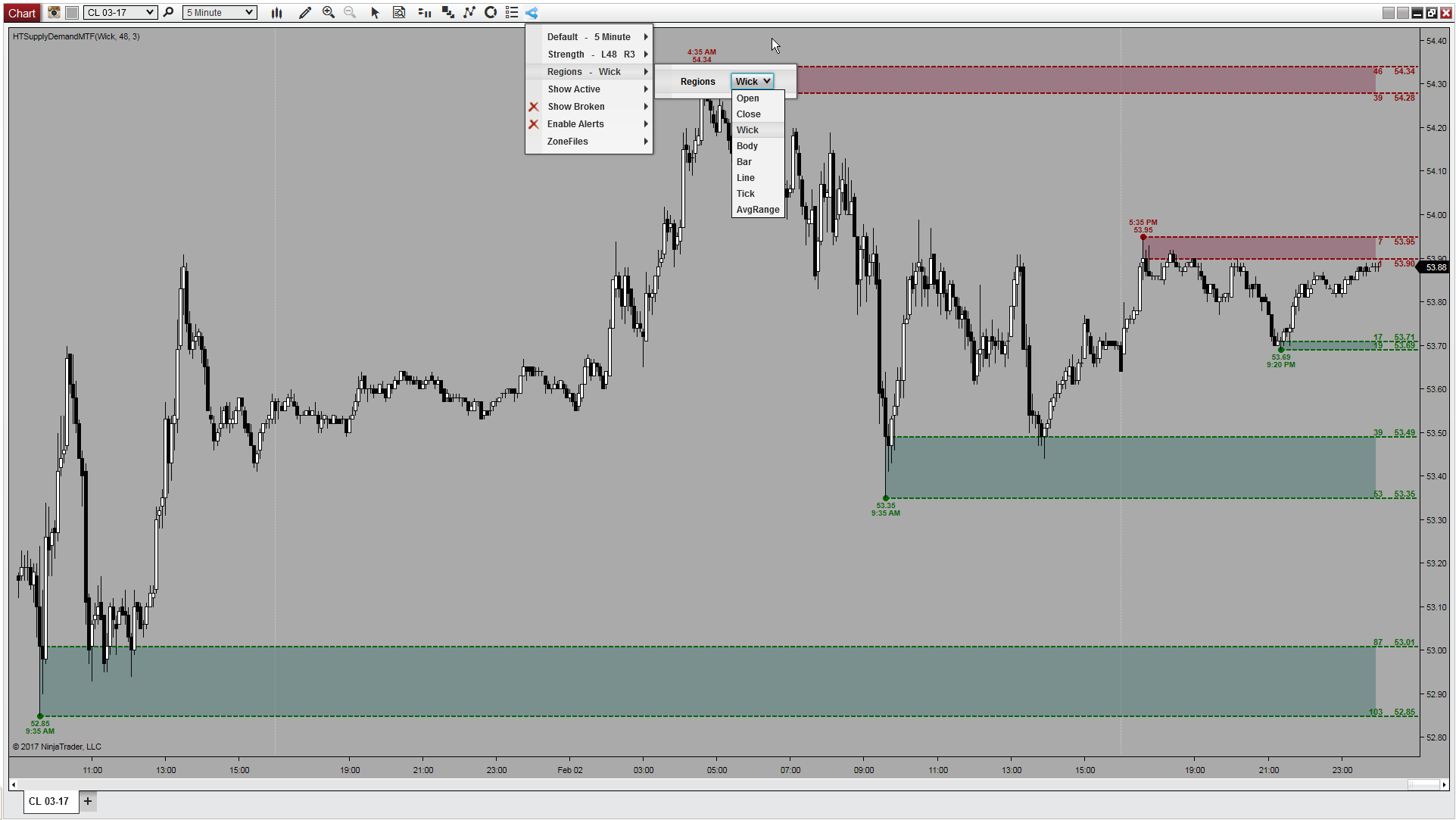
Order Entry & Risk
See your risk and reward in the moment, recalculated with every price change. Then place the order with a single click plus key-down, optionally Chart Trader aware.
- Live risk : reward that updates tick by tick
- Single click + key-down order placement
- Works with or without Chart Trader
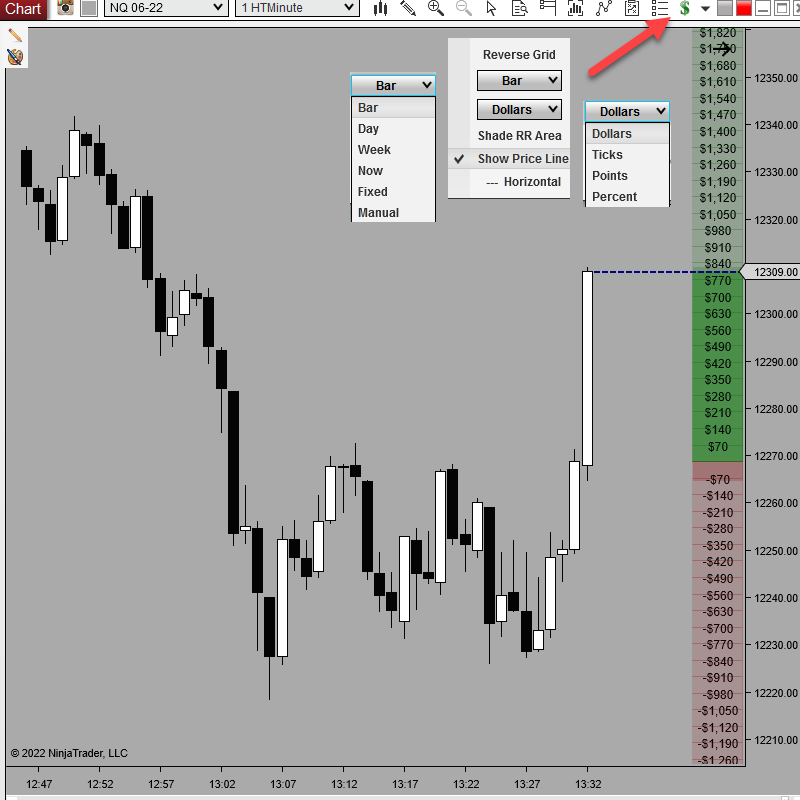
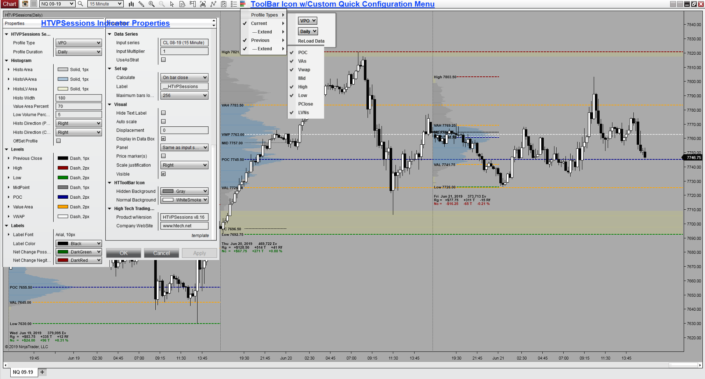
Volume Analytics
Volume profile and delta for the deeper read: sessions, composites and per-bar order flow, for the days you want to see who's actually in control.
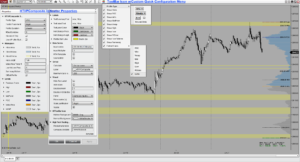
- Session and composite profiles, any date range
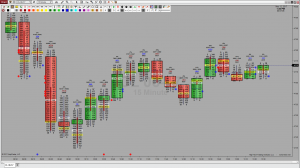
- Per-bar order-flow profiles on the chart
- Cumulative delta with flexible resets
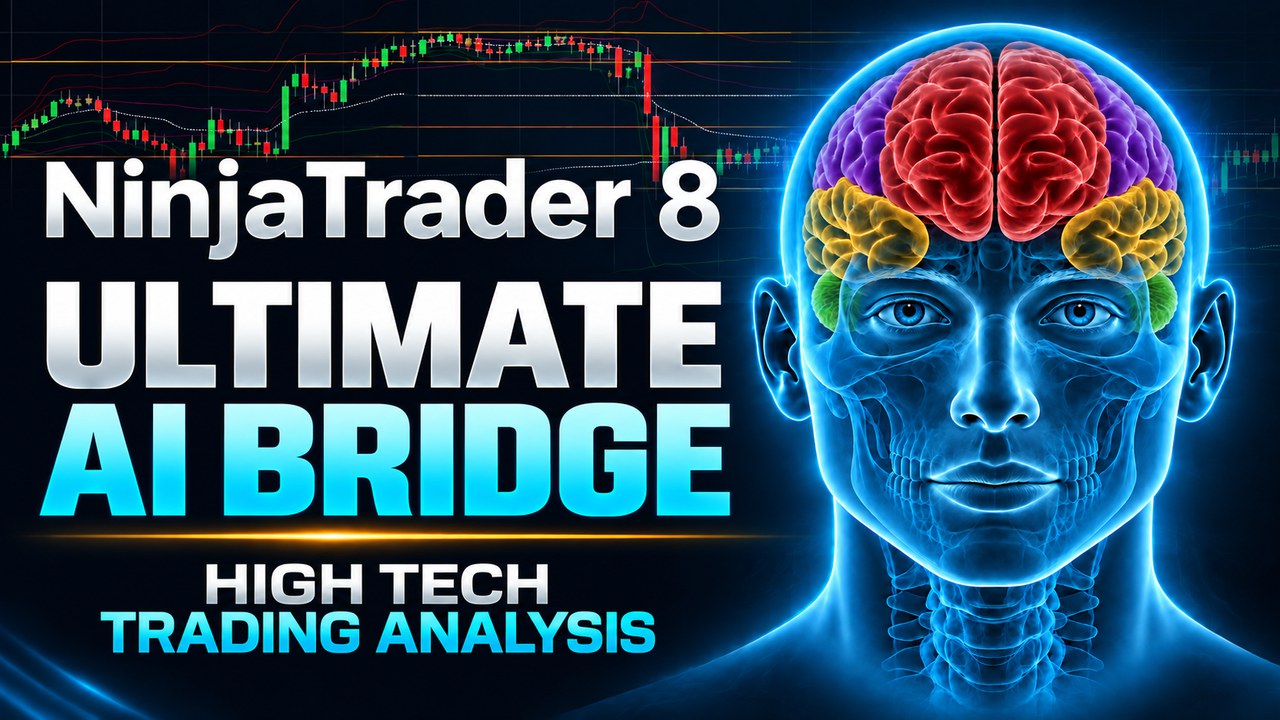
AI Bridge New in All Access
Any AI becomes your NinjaTrader 8 assistant.
Ask in plain words. Your data stays on your PC.
- Open, arrange and save charts, workspaces and windows
- Add, adjust and read your indicators, on any chart
- Mark swings, trend lines, channels and Fibonacci for you
- Attach, move and cancel the orders you place; "get flat" closes out
- Write and compile your own indicators and strategies
- Run backtests and optimizations in the Strategy Analyzer
Trade Journal Coming soon
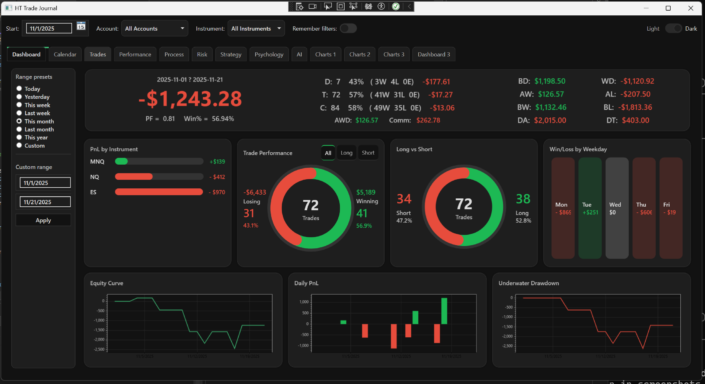
Review trading behavior from multiple filtered views.
An early-access NT8 journal that imports trades automatically. Add the strategy, setup, risk, and mindset behind each trade, then display the analytics, behaviors, and patterns behind. And it’s a true desktop app: your journal lives entirely on your own computer. Nothing touches the cloud, and your trading data is never shared with anyone.
- Automatically imports NinjaTrader 8 desktop trades
- Add strategy, setup, and decision context after the trade
- Dashboard, month, trades, performance, and chart views
- Early-access feedback helps shape the finished tool
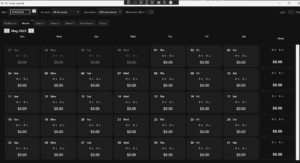 Month view
 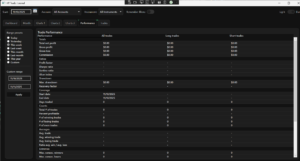 Performance
 Market Pulse · This one you hear
Market Pulse turns live tick flow and price movement into sound, keeping market activity on your radar at all times, even when you're not looking at the chart.
- Two independent sound paths for flow and price movement
- Adjustable thresholds, selectable sounds, and separate volume
- Idle auto-mute when activity stops
Fifteen years of tools. Now a better way to offer them.
What started as a handful of scripts I wrote for my own trading has grown into something much bigger than I ever expected: 25+ tools, 39 drawing tools, custom bar types, chart styles, and more than 500 features. All of it built, debugged, and refined over 15 years inside NinjaTrader, from the wild early beta days of NinjaTrader 8, which earned me more than a few gray hairs, to NT8's tenth anniversary this year.
And that is just what is listed on the website. All Access also includes tools, utilities, and extras that never made it onto the site. The truth is the collection outgrew its own product pages a while ago, and the further it grew, the clearer one thing became: these tools were built to work together, not to sit in a cart one at a time.
After all these years of building NinjaTrader tools, All Access simply feels like the right next step. It's my way of putting everything I've made within reach, to experience as a whole instead of buying it piece by piece. The full HTech NinjaTrader 8 toolkit, brought together under one affordable membership.
HTech's “All Access”
One membership unlocks every current HTech NinjaTrader 8 tool. All 25+ tools, plus drawing tools, bar types, chart styles, and more. Built and refined over 15 years inside NinjaTrader.
Updates and support are included while your membership is active. Member help and community access are planned through Discord for setup, questions, and workflow ideas.
The value is not using everything at once.
It is having the right tool when you need it.
Some tools make NinjaTrader easier every day. Others are there for the moments when you need cleaner charts, better levels, risk context, volume, structure, or a better review process.
Before you join.
Why offer All Access as one membership?
Individual products are still available, but the catalog has grown far beyond a few standalone tools. Every product takes real time to build, maintain, update, license, document, and support. All Access is the better path for traders who want the full toolkit: one membership that makes the tools more affordable to own while keeping support, updates, documentation, and ongoing development sustainable.
Does All Access provide trade signals?
No. All Access does not provide trading signals, trade calls, automated entries, profit promises, or prop-firm promotions. It is a collection of NinjaTrader 8 tools built to improve everyday workflow, charting, drawing, analysis, order/risk handling, volume context, market structure, and trade review.
Can I still buy individual tools?
Yes. Individual products will still be available: pay once up front and your tools never expire. All Access is simply an alternative path: one membership that lets you experience the complete HTech toolkit, all at once, at a reasonable price.
What if I'm an existing HTech customer?
Nothing changes with the products you already own. Your existing licenses continue to work under the same terms they had when you bought them. Existing customers may also qualify for special All Access pricing, including founding-member offers based on recent purchase history.
Will All Access slow down NinjaTrader?
No, not in normal use. My tools are designed to stay practical and efficient inside a real trading workspace. I routinely work with a large mix of tools active across multiple charts and workspaces.
All Access is built to work as a package and, in normal use, should not overload NinjaTrader when the full package is installed. That said, no promises. NinjaTrader performance can still be affected by CPU/GPU limits, extreme market conditions, Tick Replay, or heavy data, with or without my tools.
Will all these tools clutter my charts?
No. All Access installs as one package, but you control what is visible and useful in your workspace. Many HTech visual tools include toolbar and context-menu controls, so chart output can be shown, hidden, adjusted, or managed without constantly having to open NinjaTrader property windows.
Are ongoing updates and support included?
Yes. Updates and support are included while your membership is active. Support is handled primarily through Discord, where members can ask questions, search answers, open support tickets, and get setup or workflow help. The goal is to keep support useful in one place as the HTech toolkit grows.
Do you offer refunds after purchase?
No. All Access is a digital product with immediate access after purchase, so all sales are final. Please review the tools, compatibility requirements, included access, and membership terms before joining.


Make NinjaTrader an overall better experience.
Charts, workflow, order handling, market context, and trade review all in one place. All Access brings everyday NinjaTrader improvements together so your platform feels more complete and easier to work in.
25+ tools, 39 drawing tools, bar types, chart styles, updates, support, and more.