Supply – Demand | Swings | Support – Resistance | Trading | Technical Analysis | NinjaTrader 7 | Indicator
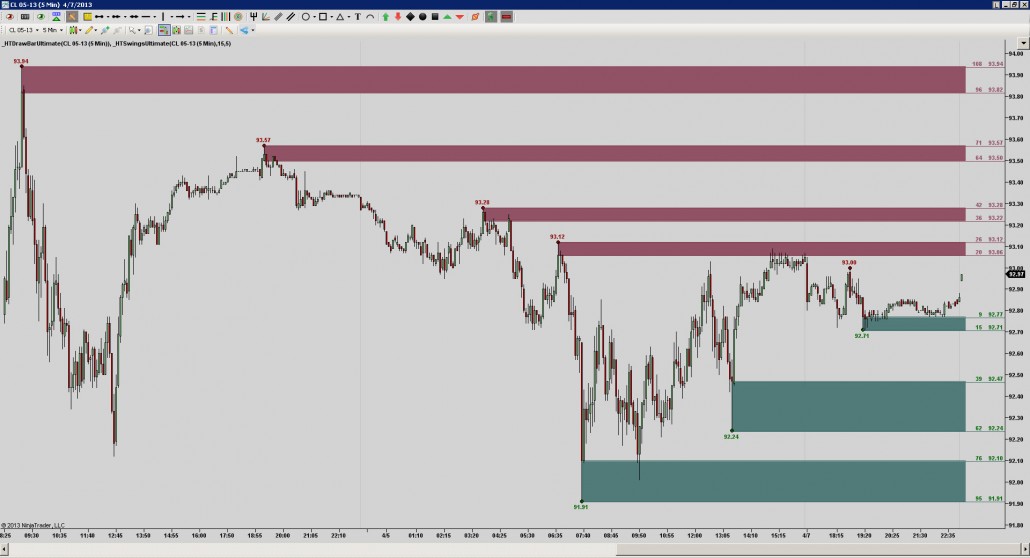
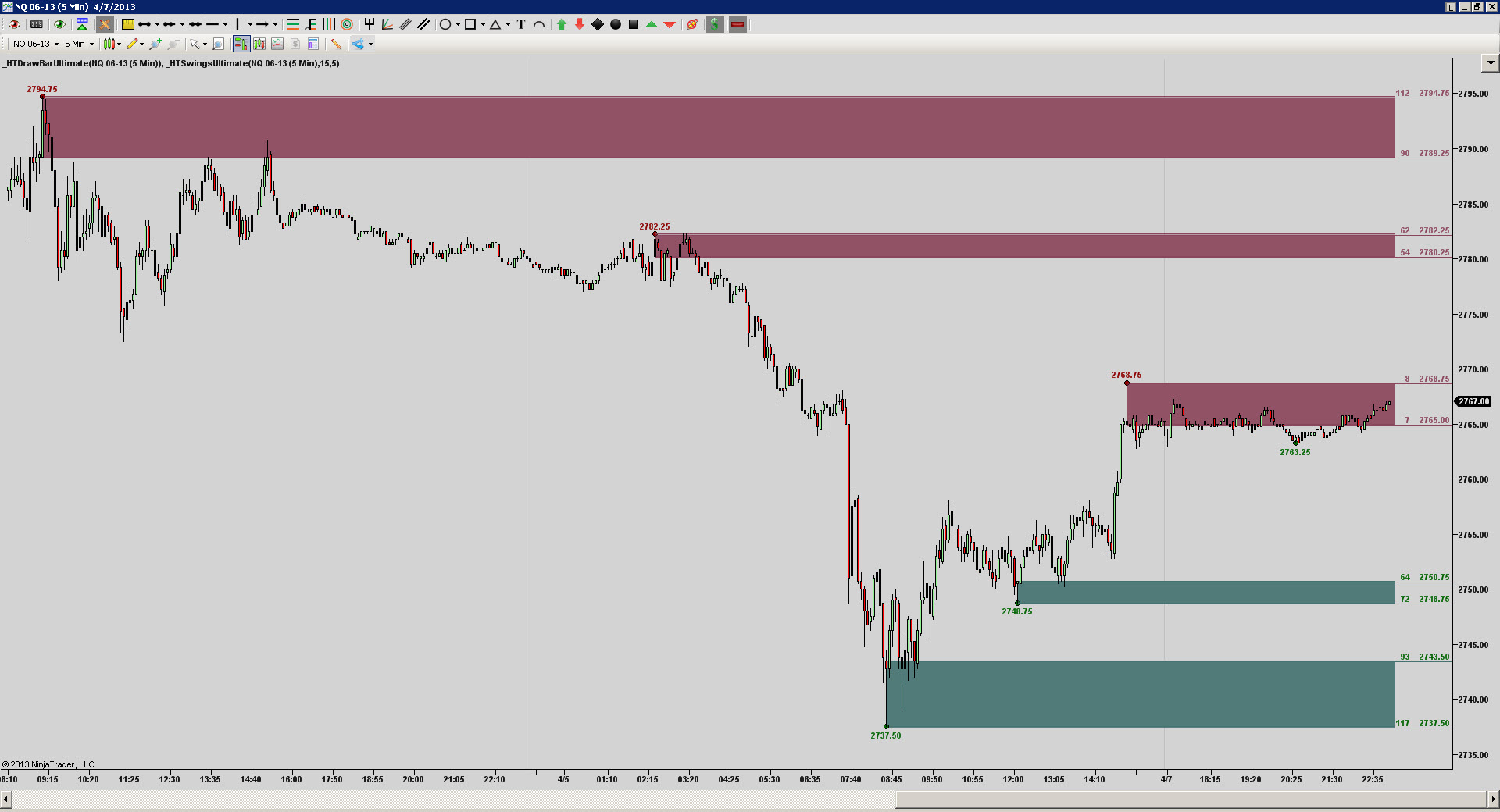
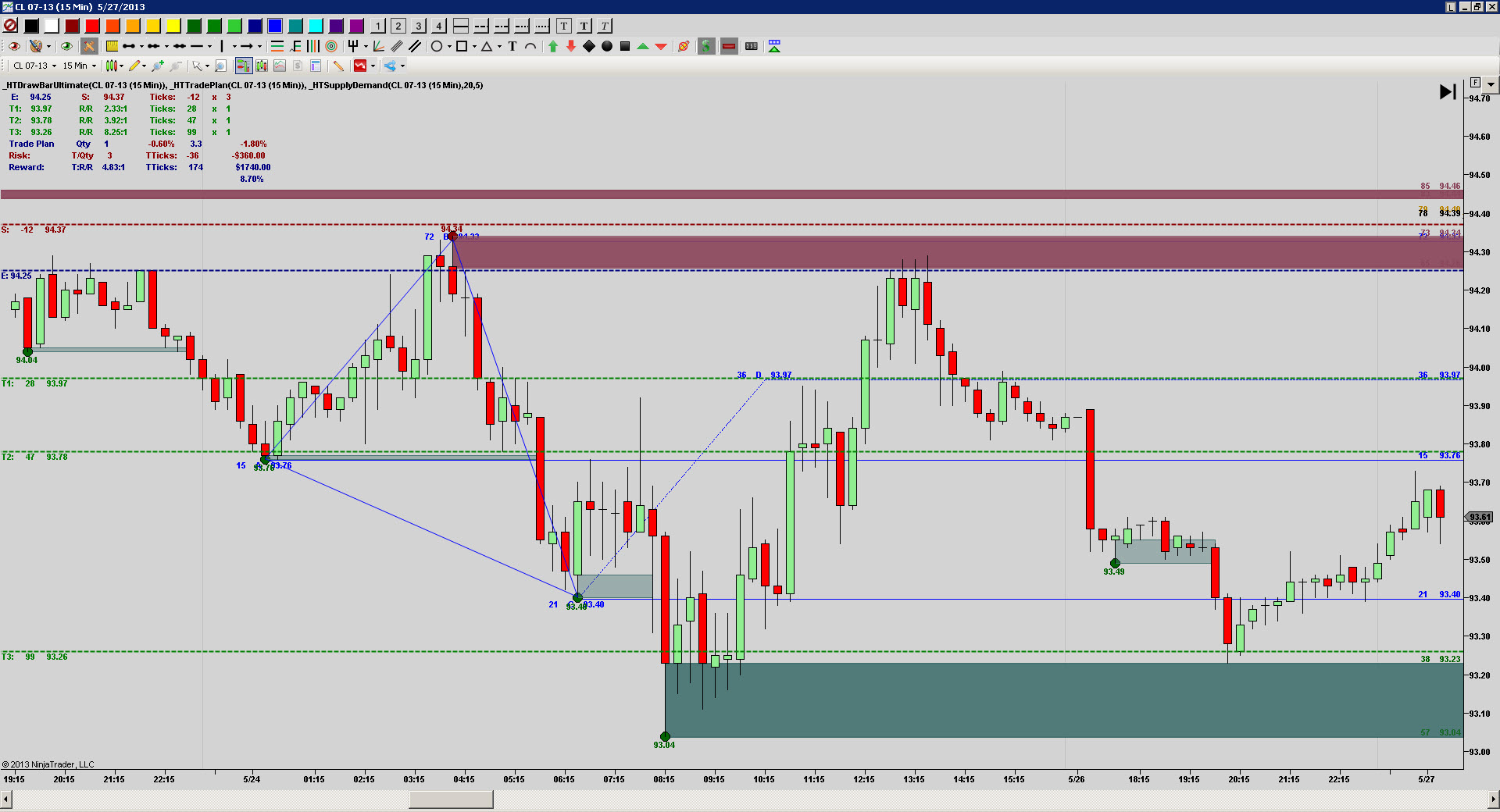
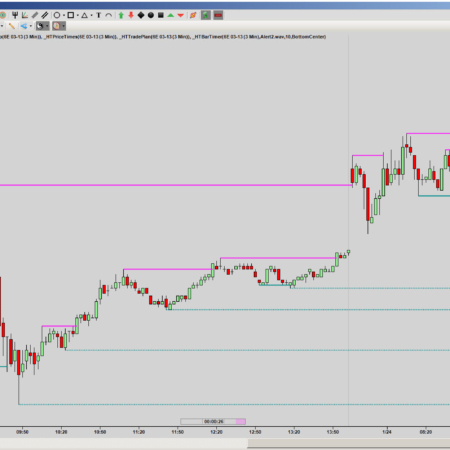
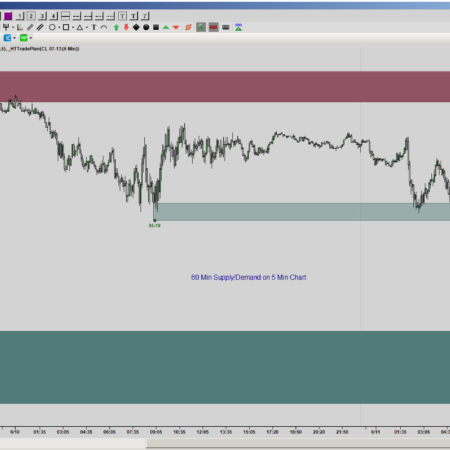
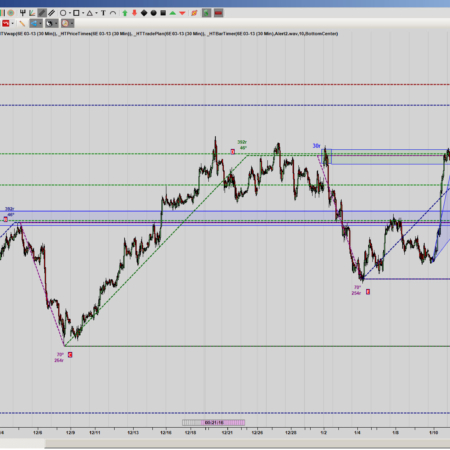
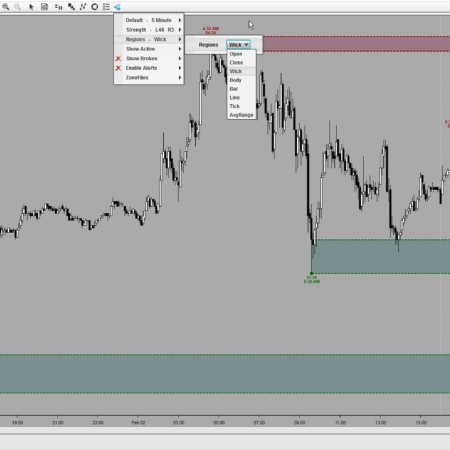
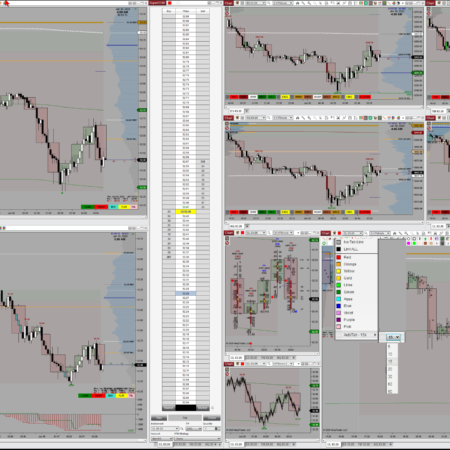
– Calculates and Draws Supply and Demand Levels
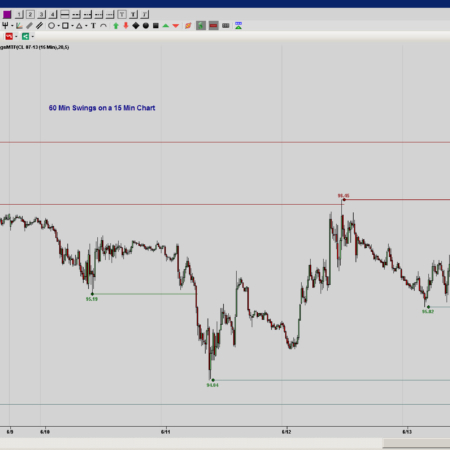
– Calculates and Draws Swing High/Low’s
– Individually Adjustable Look Back/Forward Strengths
– Hide or Show Indictor with a Single Click
– Hide or Show Both Active and/or Broken Levels/Swings
– Hide or Show Price Labels for Levels/Swings/Dots
– Hide or Show Tick Offset Labels from Current Price
– Move or Remove Any Level/Swing on the Chart
– Turn On/Off Adjustable Alerts
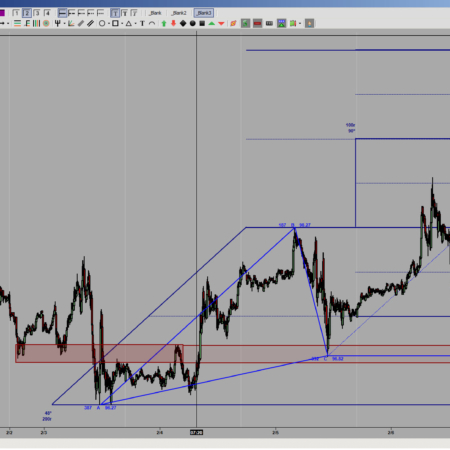
– Auto Draw Fibs with selectable Bars Back (Beta).
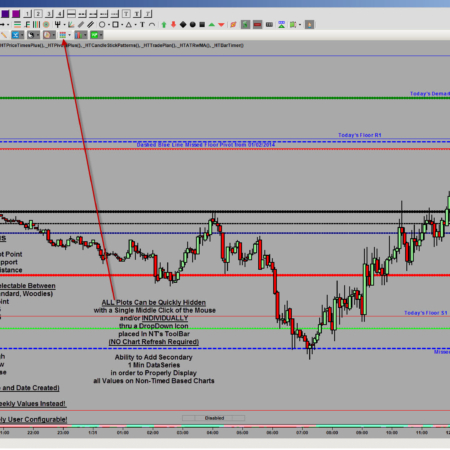
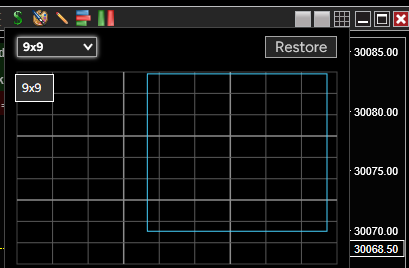
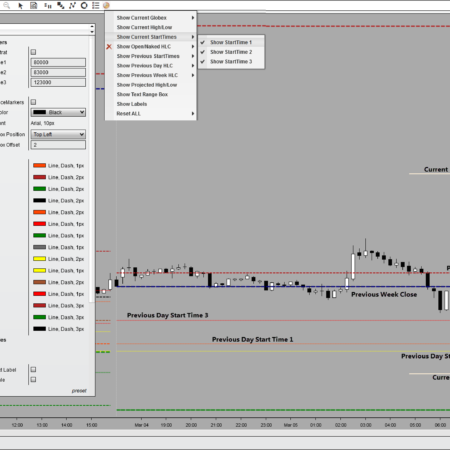
ToolBar DropDown Icon for Easy User Selectable Options and Adjustments Without Chart Refresh.
Please Click on Video Tab to Watch a Recorded Product Demonstration!
Individual Products
Individual HTech product purchases include a non-expiring license for the purchased product and one year of free updates from the date of purchase. After the update period ends, the product does not expire. You may continue using the version you already own, but future updates are not included unless a new update period, upgrade, or replacement license is purchased.
All Access
All Access is an annual access membership for eligible HTech NinjaTrader tools. It does not auto-renew and does not automatically bill again. When an All Access membership expires, All Access-only products expire unless you choose to purchase a new membership. Any individual products you purchased separately remain available under their own license terms.
Registration
HTech products require registration before they can be used, including free products. Registration may require your NinjaTrader Machine ID or other licensing information depending on the product. Please review the instructions provided after purchase or access for download, installation, and registration details.
License Use
Licenses are for the original purchaser only and may not be shared, transferred, resold, distributed, or used by multiple customers.
Refunds
HTech products are digital software products. Once a product has been purchased, downloaded, licensed, or accessed, the sale is final and non-refundable.
Support
Support is available through the HTech Discord support channel, Microsoft Teams when available, and direct support contact when needed. HTech makes a reasonable effort to respond within one business day, but support may be limited for third-party platform issues, computer setup, brokerage connections, discontinued products, or platform changes outside HTech’s control.
TradeStation
TradeStation products are discontinued and are no longer available for new purchases. Existing customers may continue using what they already purchased or licensed, but future updates are not planned and support may be limited.
Full Terms
By purchasing, downloading, installing, accessing, or using this product, you agree to HTech’s current
Terms and Conditions, Risk Disclosure, Disclaimer, Privacy Policy, and product licensing requirements..
Frequently Asked Support Questions
Feature Requests (login required)
Have an idea that would make this tool better? Post it here, every idea is welcome!
Vote for the ideas you would like built: click the ▲ box (click again to remove your vote).
Visit the Customer Feature Requests page to see and vote on requests for every product.
Log in to post a feature request or vote.
My Account Downloads
After purchase or access, your available HTech downloads are located in your My Account page. Log in with the same account used for the purchase, then open the Downloads tab in My Account.
Installer Passwords
Most individual HTech products are delivered as password-protected self-installing files. The required installer password is included in your order email. If your order includes multiple products, that email may include multiple product passwords.
Please keep your order email in a safe place for future updates, reinstalls, or computer changes.
Machine ID Registration
All HTech NinjaTrader products require Machine ID registration before they can be used, including free products. Log in to My Account and use the NT8 Registration menu item to register your NinjaTrader Machine ID before starting NinjaTrader with the product installed.
Email Registration
The first time you run an HTech NinjaTrader product, you may be asked to enter your email address. Use the same email address registered on your HTech website account. This is normally a one-time step and should not be required again for regular product updates.
Installation Steps
Close NinjaTrader before installing or updating HTech products. Download your product installer, run the downloaded file, follow the installation prompts, and enter the installer password from your order email when prompted.
After installation, start NinjaTrader. If a Trusted Source message appears, accept it. After accepting the Trusted Source message, restart NinjaTrader once more.
Updates and Reinstalls
Do not uninstall previous versions before updating. HTech installers are designed to install over the existing version. After installing the update, open NinjaTrader and the product will be updated.
Individual product purchases include one year of free updates from the date of purchase. During the active update period, available updates can be downloaded from your My Account page.
All Access
All Access uses a separate installer and access model. Eligible HTech NinjaTrader tools are available while the All Access membership is active. If you already own individual HTech products, those separate purchases remain available under their own license terms. When All Access expires, All Access-only products expire and downloads/access end unless a new membership is purchased.
TradeStation
TradeStation products are discontinued and are no longer available for new purchases. Existing customers may continue using downloads they already purchased or licensed when available, but future updates are not planned and support may be limited.
Help
If you have trouble finding your download, locating your installer password, registering your Machine ID, or installing a product, please contact HTech support.




logan (verified owner) –
This product get 5 stars. It is truly worth every penny. Of all the things I spend money on this one actually makes money back so yes absolutely 5 stars!
Should also mention the support you get is also 5 stars. If ever you got a question or need help the response is immediate and help is exceptional!
truesine (verified owner) –
I have found the Supply and Demand tool very effective for identifying and validating many trade opportunities. The tool saves many hours of work vs. manually identifying key turning point zones. The zones get updated in real time as market conditions constantly change. As a result, zones are identified that would otherwise be missed manually due to the speed of the market. The price is very affordable and pays for itself very quickly with successful trades. Also, customer service has been excellent with prompt, courteous response from High Tech support.
dbecket (verified owner) –
I have been using the Supply Demand tool for a week now and have already recovered my cost. After learning the tool, and feeling somewhat comfortable with it (4 days), on the last trading day friday just when I thought everything was over, the NQ rallied lightly right into a marked fresh zone and promptly fell short for a cool 8 ticks scalp covering the cost. Thanks for a cool product and I look forward to any enhancements as well. Oh … and thanks for making it so easy to install and contact you. All the best.